
A new loudness optimization option for YouTube
Published Updated
Contents
In accordance with YouTube ’s loudness normalization specification, an option to optimize loudness has been added to AI Mastering’s custom mastering.
“Target loudness mode” option
Specify the reference calculation method of the target loudness.
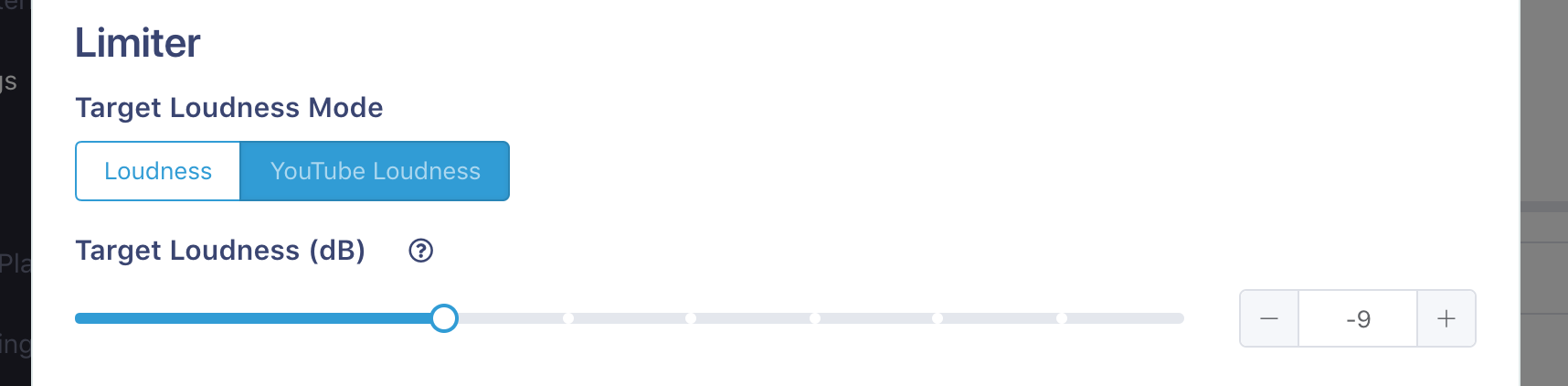
Loudness (conventional operation)
Limits the loudness defined by ITU-R BS.1770 to match the target loudness. It is the same behavior as before.
YouTube Loudness
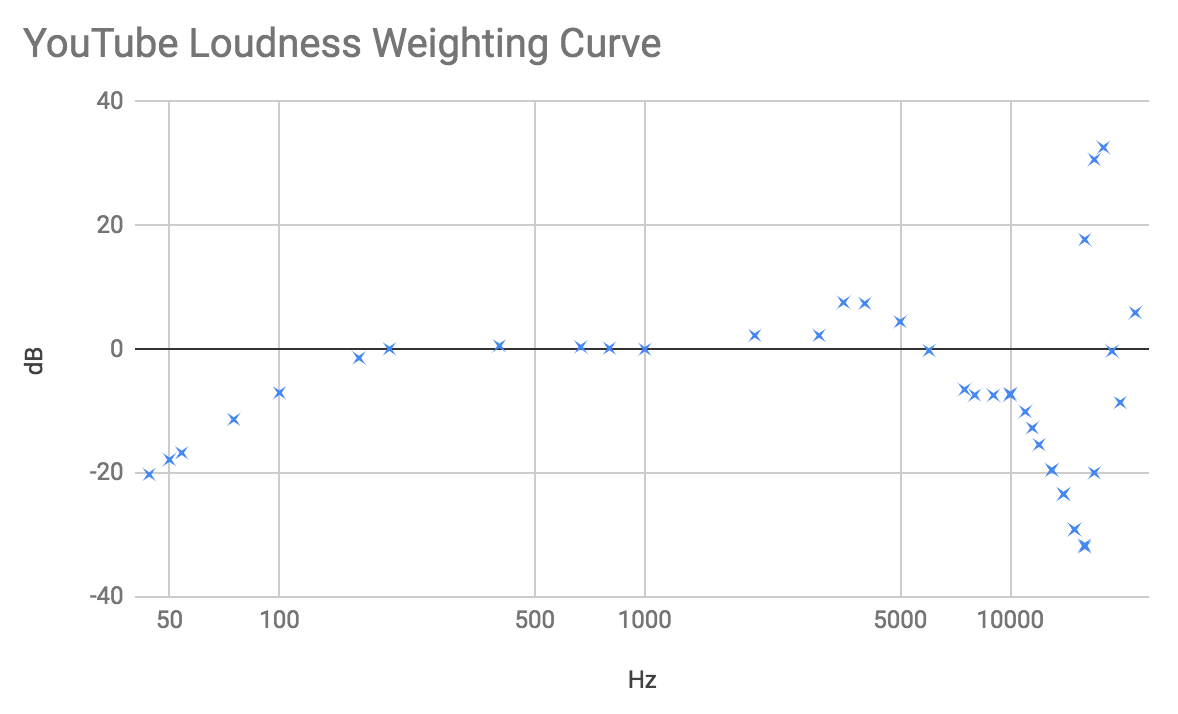
Limit so that the approximate value of loudness used in YouTube loudness normalization matches the target loudness. Approximate formulas are based on the YouTube loudness normalization algorithm survey .
According to the survey, since the reference value of the loudness normalization is -10.3 dB, considering that the actual loudness slightly decreases from the target loudness, if the target loudness is set to about -9 dB, the loudness normalization does not work or it does not work You can set it to the very last loudness.
How to optimize loudness for YouTube?
Together with the “Ceiling” option added here , mastering with the settings below, you can perform mastering optimized for YouTube.
“Target loudness mode”: “YouTube loudness”
“Target loudness”: “-9 dB”
“Ceiling mode”: “True Peak (15 kHz Lowpass)”
“Ceiling”: “-0.5 dB”
※ The YouTube loudness normalization reference value is -10.3 dB and the target loudness is -9 dB because the actual loudness slightly drops from the target loudness.
How to make it operate like a conventional one?
If you make the following settings, the conventional operation will be performed.
“Target loudness standard”: “Loudness”